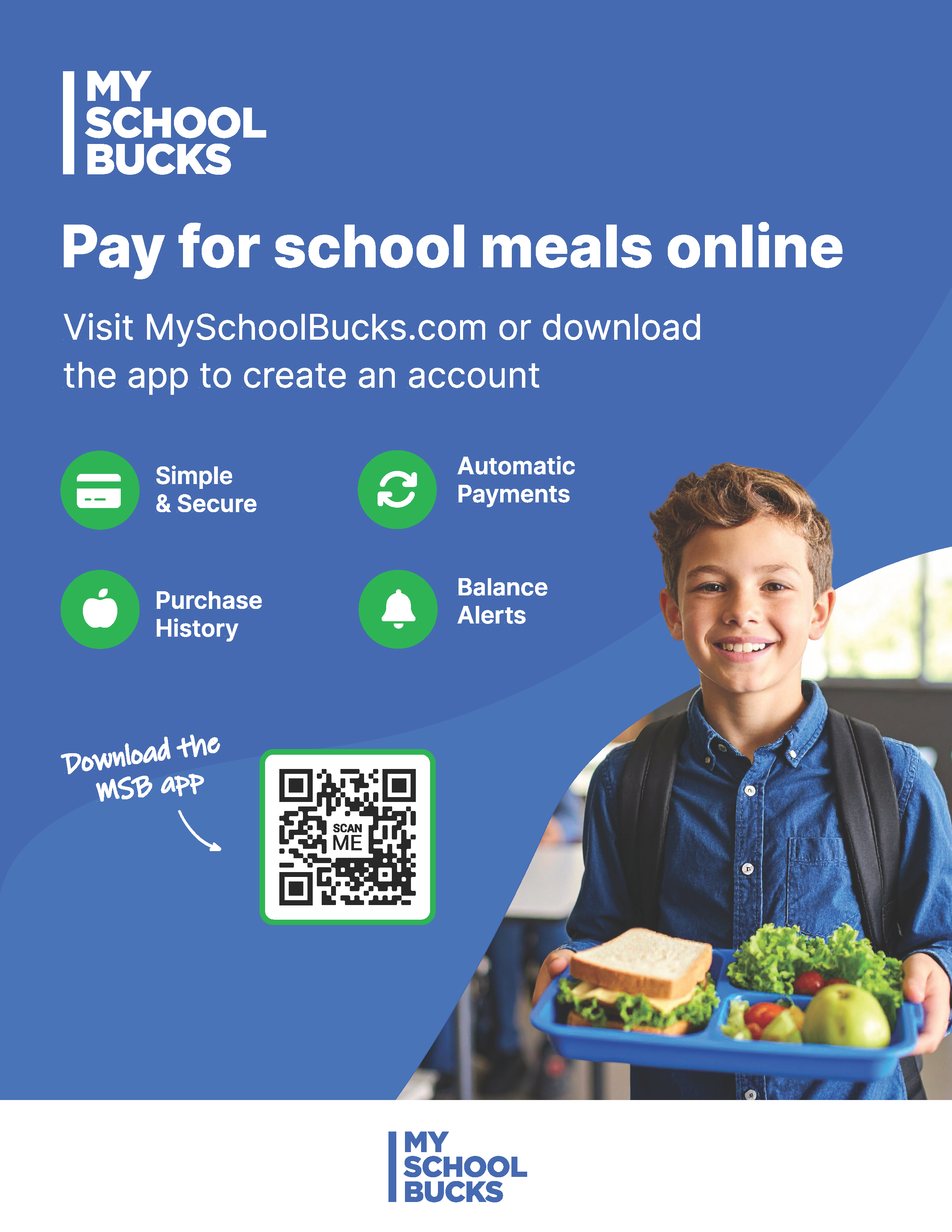
Cisco ISD's new Cafeteria Online Pay Service. -Please Read-
Posted Date: 09/14/26 (08:30 AM)
Cisco I.S.D. has teamed up with MySchoolBucks, an online service where you can easily and securely pay for school meals using a credit/debit card or electronic check.
Using MySchoolBucks you can:
● Add funds to your student’s meal account
● View meal balances & cafeteria purchases
● Receive low balance alerts
Get started in 4 easy steps:
1. Download the mobile app or visit myschoolbucks.com
2. Create your free account
3. Add your student
4. Add funds to your student’s meal account
If you have any questions about getting started with MySchoolBucks call (855) 832-5226. For any general questions please contact the school at 254-442-3056.